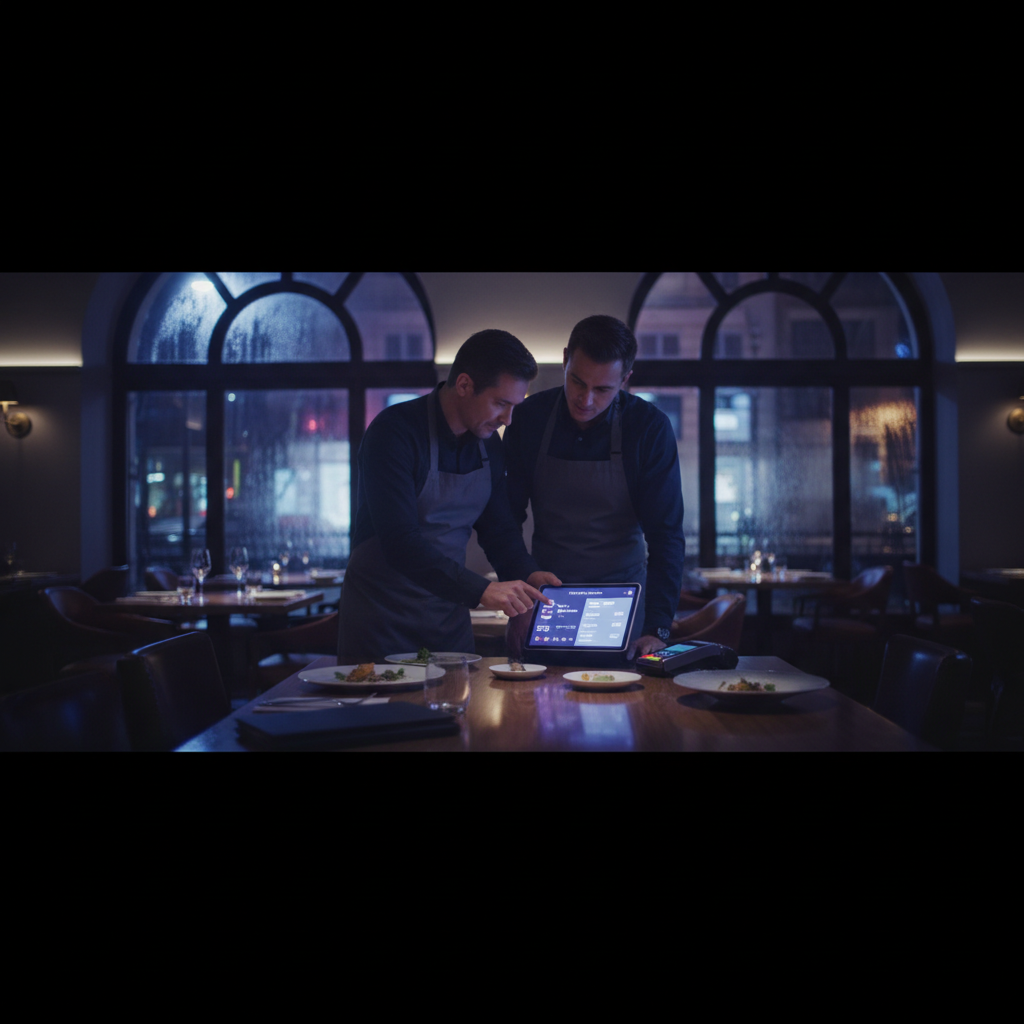
Square for Restaurants is a strong starting point for a small restaurant, café or bar that wants to get set up quickly without a large upfront cost. It offers a free plan, paid plans for busier venues, and tight links between the POS, payments and online ordering. The things to weigh are how much of the system depends on Square's own payment processing, and whether its extras (such as loyalty) do what you need.
This review is based on Square's own pricing page and third-party reviews. Plans, prices and features vary by country and change often, so confirm current terms with Square for your market.
Want regulars to earn for more than spending?
Loop's free loyalty program works alongside Square or any other POS, rewards visits, referrals and reviews, and needs no customer app.
See Loop Loyalty & Rewards →What Square for Restaurants includes
Square sells restaurant software in tiers. The names and prices differ by country, but the shape is similar:
- A free plan covering the basics of daily service: taking orders, accepting payments, managing a menu and basic reporting, with processing fees charged per transaction.
- A paid plan (Plus) that adds features aimed at full-service restaurants, such as more advanced reporting, floor plan customisation, shift reports and a kitchen display system. In the US, Square lists Plus at about $60 per location per month, with extra devices charged separately. Other countries are priced differently.
- A custom-priced plan (Premium) that adds tools such as payroll, marketing and loyalty.
Square also supports online ordering, tableside and handheld ordering, and offline payments. Offline payments have limits: Square's own footnote says offline card payments are declined if the device doesn't reconnect within a set period, so don't treat offline mode as a substitute for a reliable connection.
Where Square is a strong fit
- New and small venues. The free plan lowers the cost of getting started, and set-up is quick.
- Cafés and quick-service. Counter ordering and fast checkout suit simple menus.
- Pop-ups, food trucks and markets. The hardware is portable and works with mobile devices.
- Businesses that want one vendor for payments, POS and online ordering. Everything is connected out of the box.
What to check before you commit
Payment processing is part of the deal
On Square's free plan you pay by transaction, and the POS is designed to work with Square's own processing. Reviewers note you generally can't switch to another processor and keep using the same system. If you expect high card volumes and want to negotiate rates, that matters. Work out your yearly processing cost, not just the monthly software fee.
Table service needs a closer look
Full-service restaurants should test the floor plan, course firing, split bills and kitchen routing on a trial, because some of these features sit in the paid tiers. A system that suits a café may feel thin in a busy dining room.
Check how the extras are priced
Add-ons such as loyalty, marketing and payroll are priced separately or sit in higher plans. Add them up for the full monthly cost.
Data and exit
Ask what you can export, including your menu, sales history and customer list, if you ever move to a different system.
Use Square for the till, and Loop to bring people back
Guests join from a QR code on the table or counter. Free for your first 40 members.
Start free on Loop →Loyalty on Square
Square's loyalty feature rewards visits, spend or particular items, and works at the Square checkout. That's convenient if you're already on Square. Its limit is that every way to earn is tied to a transaction, so a guest who brings friends or leaves a review earns nothing unless they also buy. Our Square Loyalty review covers it in detail, and an independent program such as Loop can sit alongside Square and reward those other behaviours.
Is Square right for your restaurant?
| If you... | Square is... |
|---|---|
| Are opening a small café or counter-service venue | A sensible default, especially on the free plan |
| Run a full-service restaurant with complex service | Worth testing, but compare it with full-service-focused systems |
| Process a high volume of cards and want to negotiate rates | Less flexible, because of the processing tie-in |
| Need deep inventory and recipe costing | Check the reporting carefully against your needs |
For the wider picture, see our restaurant POS comparison and our guide to choosing a small business POS.
During a trial, run one shift through the tip pool calculation guide and the cash drawer count sheet. Check whether Square's reports match the independently calculated totals.
How to trial it
- Build your actual menu, including modifiers and combos.
- Run a real service on a trial, with the staff who will use it.
- Test split bills, voids, refunds and end-of-day reports.
- Check what happens if the connection drops.
- Compare the total monthly cost, including processing, with an alternative quote.
Ready to give guests a reason to come back?
Start a free rewards program with Loop — it works with Square and any other POS, and guests join from a QR code, no app needed.
Part of our loyalty programs for small businesses.
Reviewed November 2026 using Square's pricing page and independent reviews. Prices and features vary by country and plan; confirm current terms with Square. We make Loop, a loyalty product that works alongside Square, so we have tried to be specific about where Square is the better fit.